SIGNETLINE

Private messaging with no password to steal. A small hardware token seals and opens every message — your identity never leaves it, and our server never sees anything it could read.

New here? Flash a token in your browser
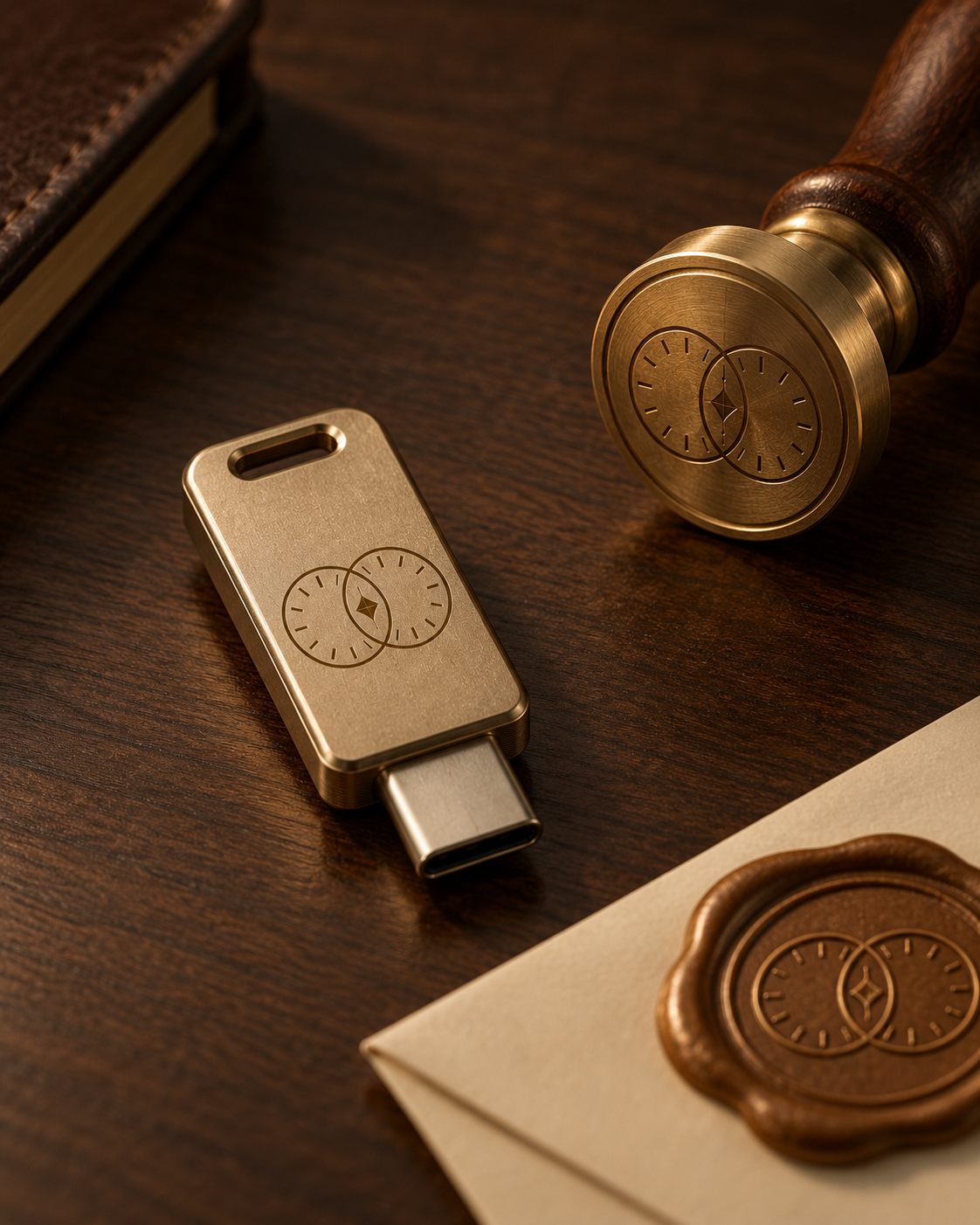
A Signetline hardware token engraved with the signet mark, beside a wax seal stamp bearing the same emblem
How it works

Three things happen, in this order

No accounts to leak, no server-side key to steal — the token is doing the actual cryptography, every time.

01

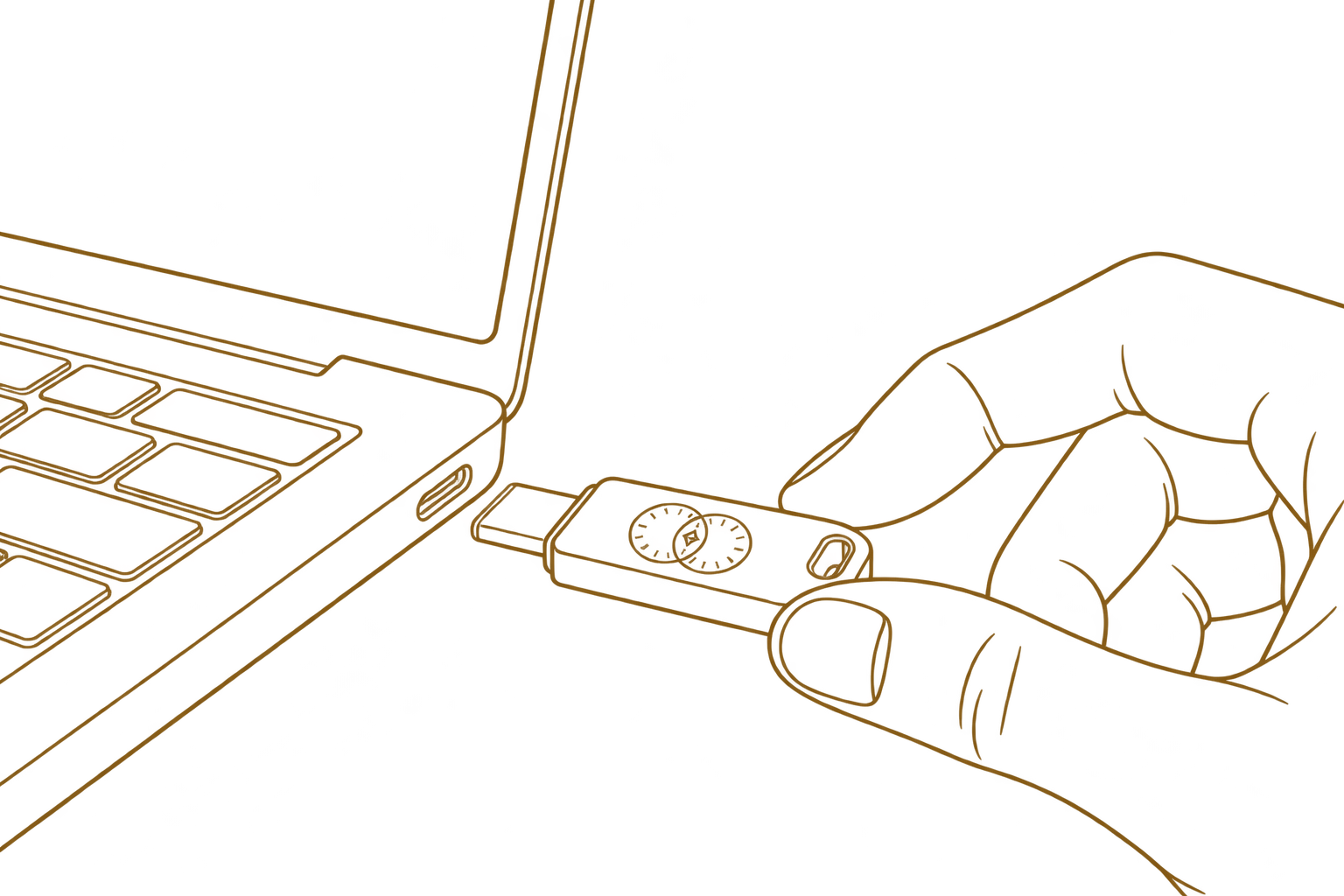
Plug in your token

Connect it over USB. Your browser talks to it directly — nothing about your private key ever crosses the network.

A hand plugging a Signetline token into a laptop's USB-C port
02

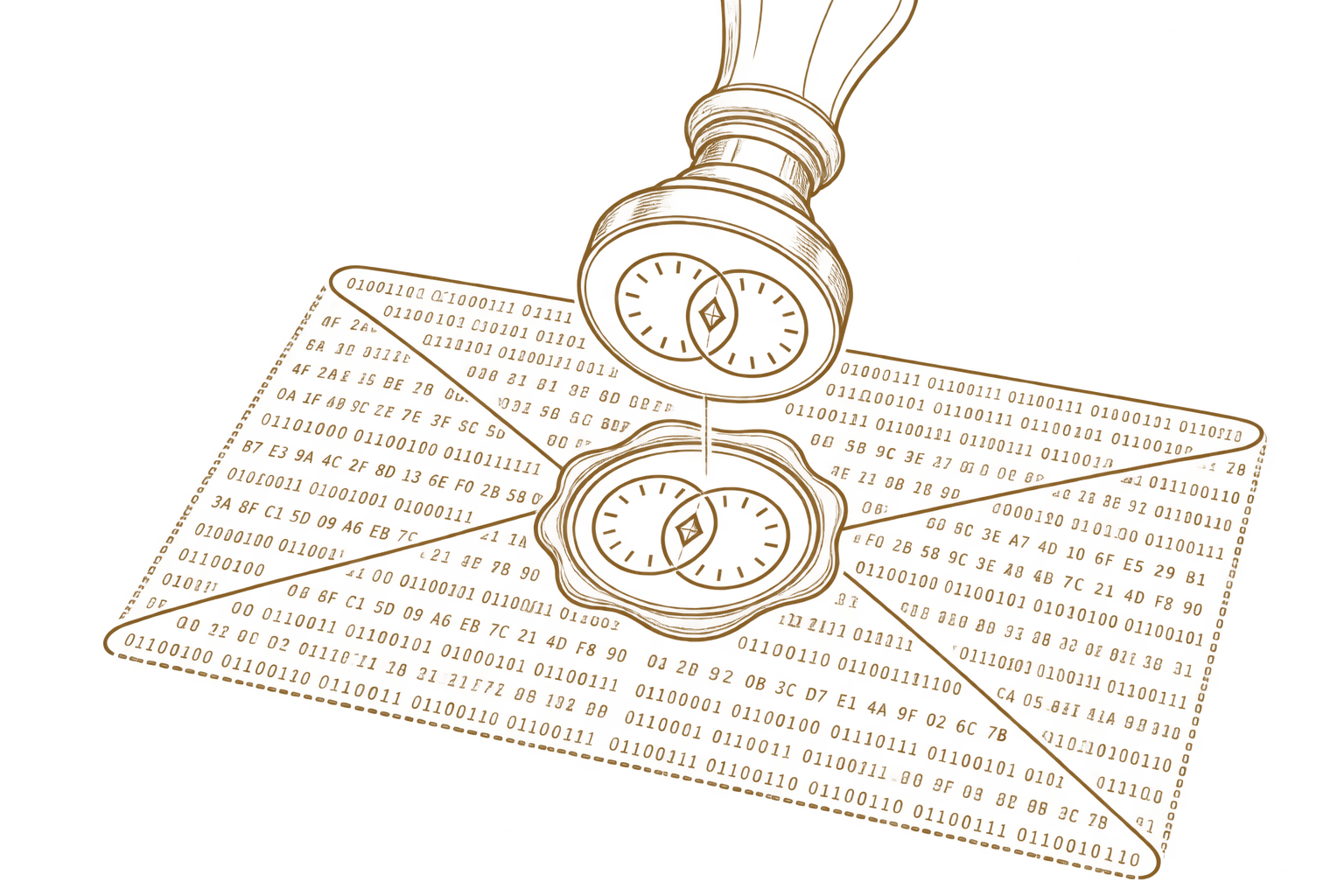
It seals what you send

Before a message leaves your computer, the token encrypts it. Before you read one, the token decrypts it. Every single time — never your browser, never our server.

A wax seal stamp pressing down onto a message written in binary
03

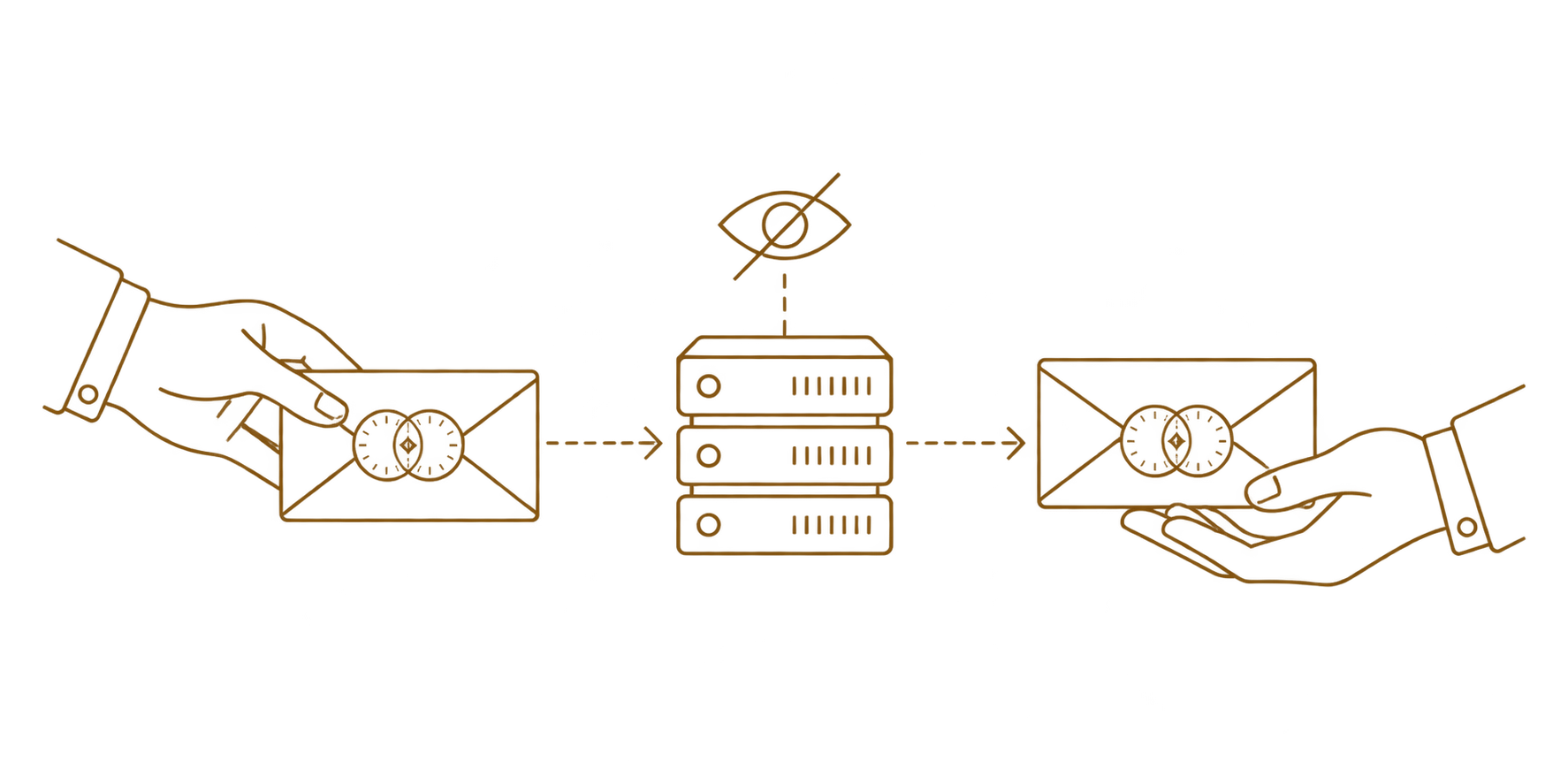
We relay what we can't read

Our server passes sealed bytes between you and whoever you're messaging. It never holds a private key, so it never has anything readable to lose.

A sealed message passing from sender to server to recipient, with an eye-with-a-slash icon showing the server can't read it
What that gets you

Your identity is a thing, not a string

Nothing to phish

There's no password prompt to fake and no reset email to intercept. Without the physical token, an attacker has nothing to try.

Nothing readable to steal

Every message is sealed before it ever reaches our server. If our database were fully exposed tomorrow, it would hand over only ciphertext.

You can verify who's on the other end

Every contact has a short seal fingerprint tied to their device. Compare it once, in person or over another channel, and you'll always know a change is real.